

Bluestone PIM MCP
Manage Your Product Data From Your AI Chat
Connect your AI assistant to the Bluestone PIM trial environment through MCP.
Use simple prompts to find incomplete products, update attributes, and enrich product data.
API-first
MCP-native
LLM-neutral
MACH certified
EU AI Act-ready









What can you achieve with Bluestone PIM MCP?
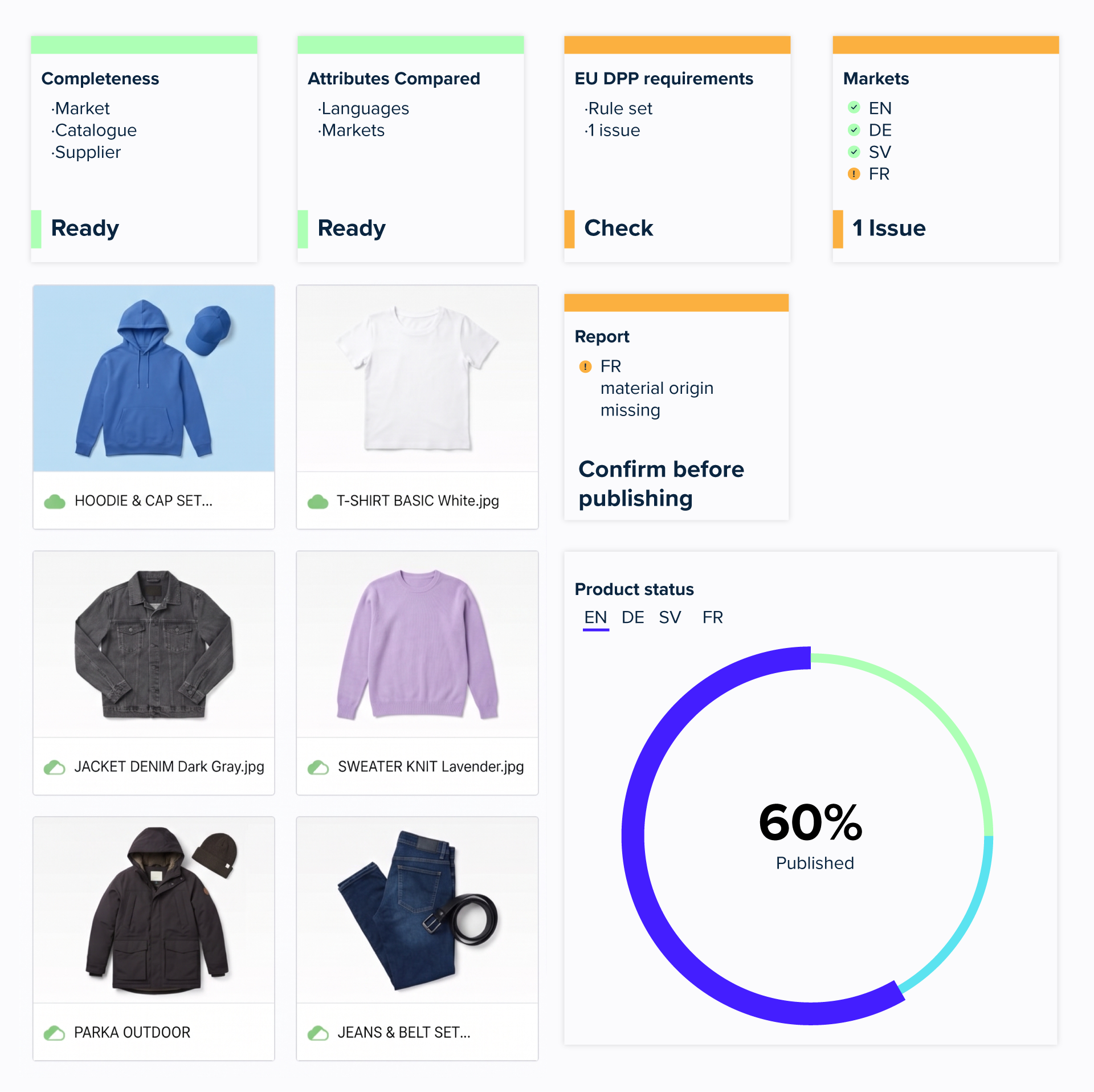
Check and validate product data
- Check data completeness by market, catalogue, or supplier
- Compare attributes across languages and markets
- Validate data against EU DPP, channel, and internal requirements
- Generate reports and flag issues before publishing
Enrich and update product data
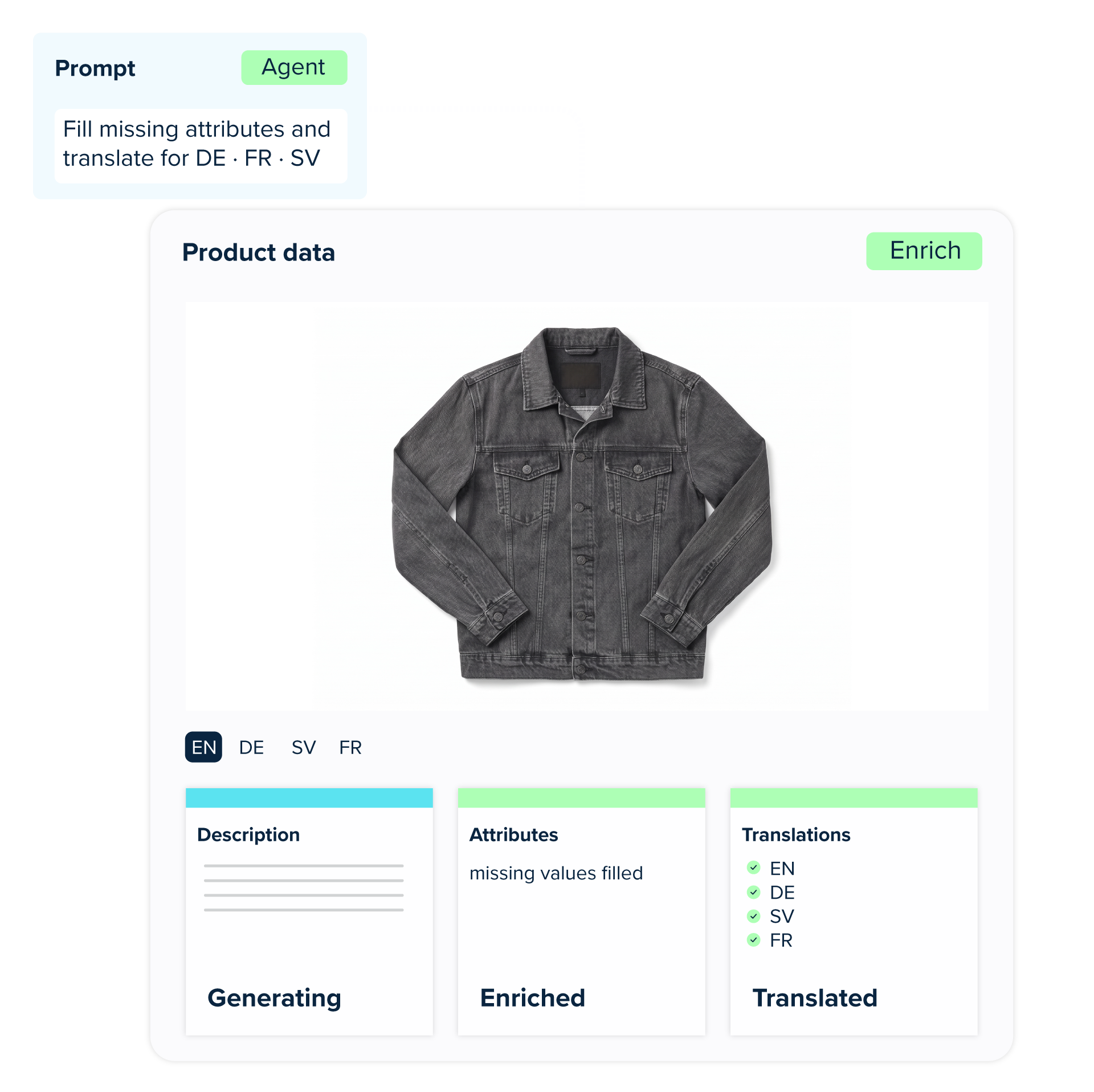
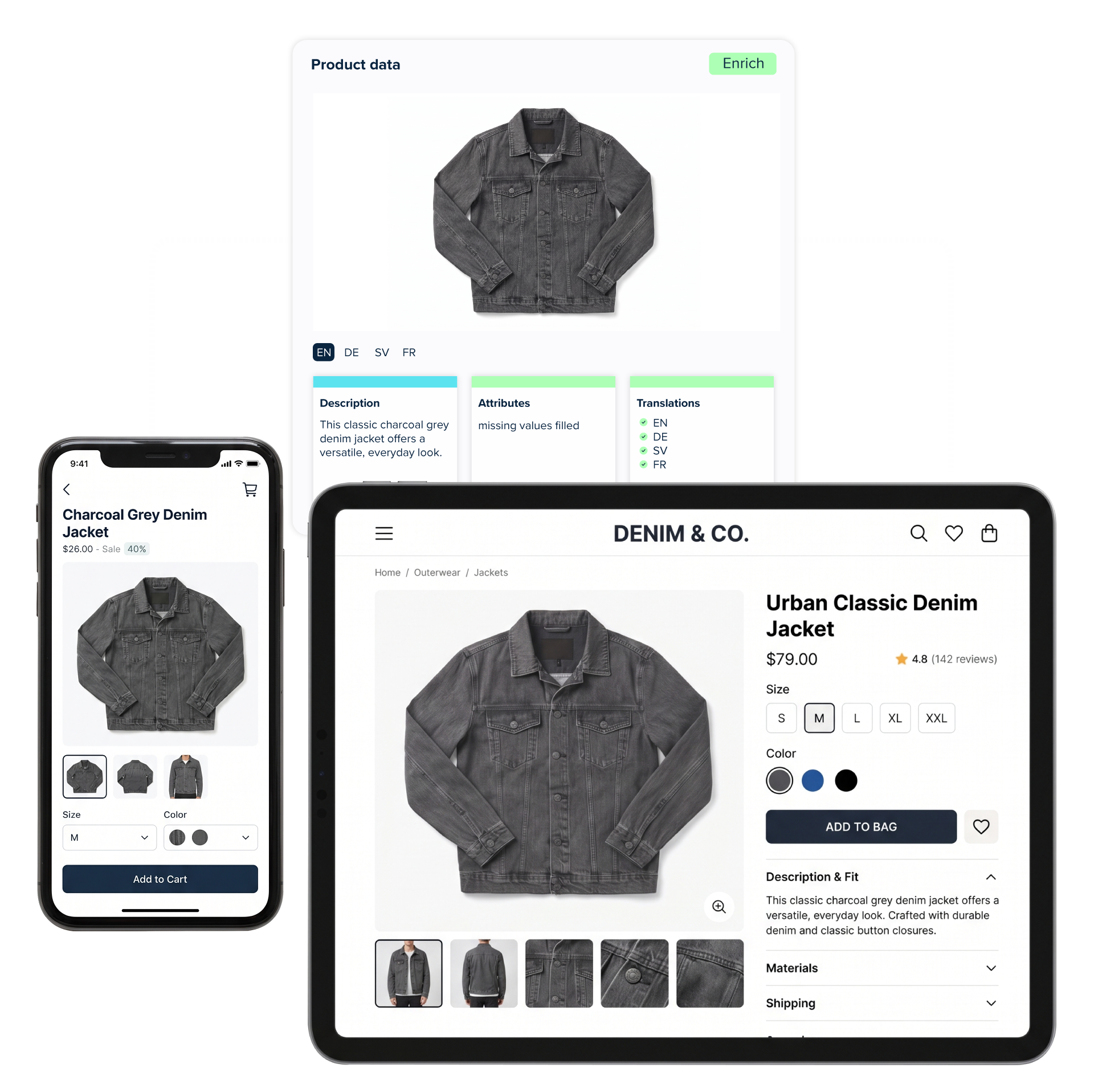
- Generate missing attributes, descriptions, and translations
- Update product data across markets and languages
- Save changes directly within the workflow
Manage catalogues and publishing
- Create categories and reorganise catalogue structures
- Update hierarchies and product assignments
- Trigger channel syncs and review publishing history
- Run checks before changes go live
700+
100%
MCP Native
First MACH PIM
What this gives you
One connection. Your entire PIM, agent-ready.
Any MCP-capable agent
Full data model, not a slice
Enterprise governance built in
What can you achieve with Bluestone PIM MCP?
Check and validate product data
- Check data completeness by market, catalogue, or supplier
- Compare attributes across languages and markets
- Validate data against EU DPP, channel, and internal requirements
- Generate reports and flag issues before publishing
Enrich and update product data
- Generate missing attributes, descriptions, and translations
- Update product data across markets and languages
- Save changes directly within the workflow
Manage catalogues and publishing
- Create categories and reorganise catalogue structures
- Update hierarchies and product assignments
- Trigger channel syncs and review publishing history
- Run checks before changes go live
How to connect Bluestone PIM MCP and use it?
Connect your AI assistant
Connect a compatible AI assistant, such as Claude or Codex, to Bluestone PIM.
Sign in
Log in securely to give the assistant access to your account.
Give it a task
Ask the AI to find missing product data, write descriptions, translate content, or reorganise categories.
Get the results
The AI uses Bluestone PIM tools to complete supported tasks and show you the results.
Keep working
Update product data, check compliance, or start publishing workflows without manually navigating the PIM interface.
How it works
What can AI agents do via Bluestone PIM MCP?
Every AI capability in Bluestone PIM — enrichment, translation, analysis, imagery — is a thin layer over a model the customer chooses. We don't ship our own foundation model and we don't lock you into someone else's. The platform is the operator. The model is interchangeable.
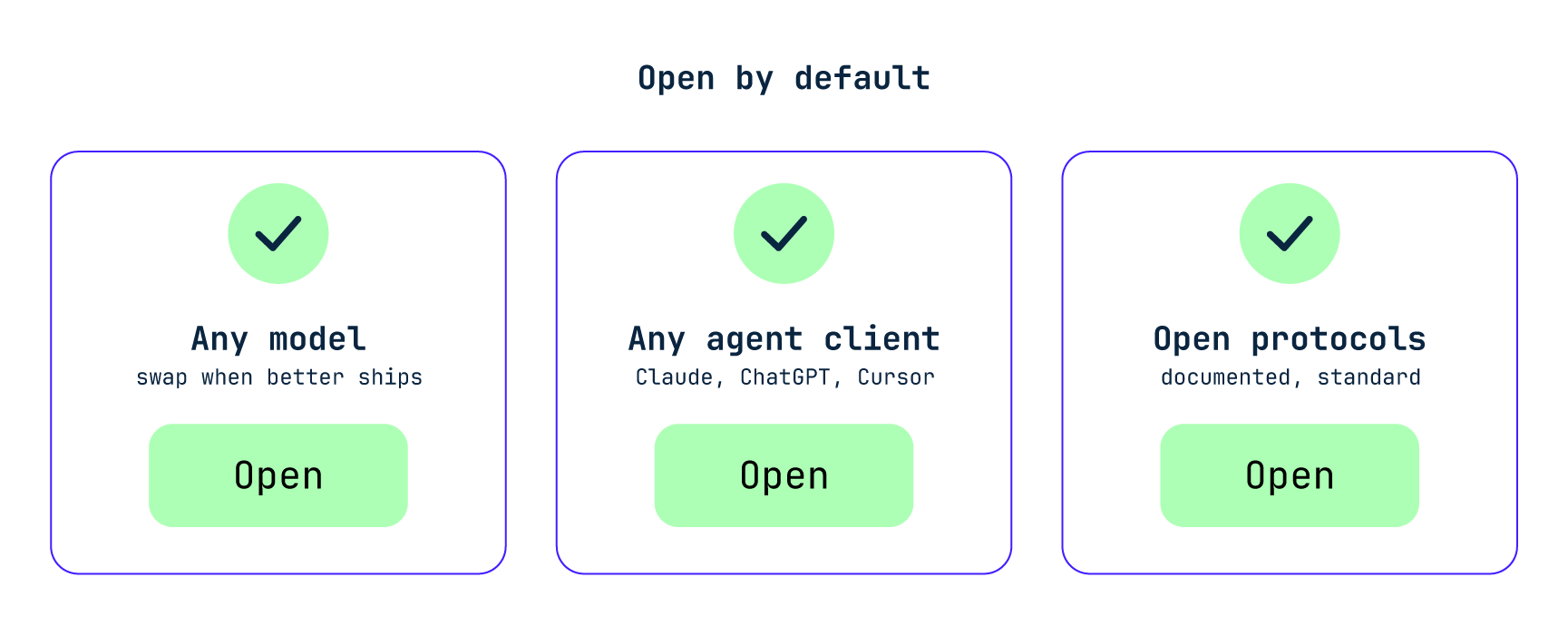
Any LLM provider
Any MCP client
No walled gardens
BYOM-first
BYOM in practice
Bring your own model. Without a re-platform.
Three concrete ways our customers exercise the openness — and what it lets them do that closed-AI platforms can't.
Match the model to the task
Stay current without waiting
Your data stays yours
What MCP gives an agent access to
Deep coverage across the core. Read and write.
| CONCEPT | READ | WRITE |
|---|---|---|
| PRODUCTS | ||
| Product (single, group, variant)Including variant group assignment and promotion | ✓ | ✓ |
| Attribute valuesSimple, dictionary, column, matrix, compound | ✓ | ✓ |
| Product connectionsCross-sell, related, accessories | ✓ | ✓ |
| Completeness scorePer context, per catalogue; create and manage requirements | ✓ | ✓ |
| Product historyWho changed what, when (read-only) | ✓ | — |
| CATALOGUES & ATTRIBUTES | ||
| Catalogues & category treesHierarchical nodes, product-to-node membership | ✓ | ✓ |
| Attribute definitionsSimple, dictionary, column, matrix, compound, relation types | ✓ | ✓ |
| CONTEXTS & ASSETS | ||
| Contexts (language/market)Read-only definitions; read/write context-scoped values | ✓ | ✓ |
| Assets & mediaSearch, browse, upload via presigned S3 flow | ✓ | ✓ |
| PUBLISHING & WORKFLOW | ||
| Sync / publishTrigger sync, view publish history, get diffs | ✓ | ✓ |
| Tasks & workflowsList, assign, update status | ✓ | ✓ |
| See the full list of the MCP tools → | ||
For Developers & Power Users
Bluestone PIM Labs
For developers and power users looking to bring Bluestone PIM into their own AI workflows — Claude, Cursor, or ChatGPT. Connect remotely, run locally, or fork it entirely. Start building your own specialised flavours of the Bluestone PIM experience, tailored to your team's specific niche and expertise.
From Labs to Production
The path to Extensions Hub
Labs is the on-ramp. If what you build gets traction, the next step is the Bluestone PIM Extensions Hub — the marketplace where integrations and tools reach the full Bluestone PIM customer base, with the option to monetize.
Related capabilities
Built for Agents
AI Capabilities
Built for Agents
MCP (Agent Gateway)
Built for Agents
Integration Patterns
Frequently Asked Questions
-
MCP (Model Context Protocol) is a standard that lets AI assistants connect to external tools and data. It allows an AI assistant to interact with Bluestone PIM and work with product data using natural language.
-
Yes! Anyone interested in Bluestone PIM can try MCP for free, even if they're not a Bluestone PIM customer yet. Connect a compatible AI assistant and explore how AI can help you work with product data.
-
You can connect compatible clients that support remote MCP servers and OAuth authentication, including Claude, ChatGPT, Cursor, VS Code, and Codex. Availability depends on the client's version, plan, and settings.
-
No. The MCP connection uses OAuth authentication. You don't need to add a Management API key or copy an access token into the server configuration.
-
Yes, if the connected tools and your user permissions allow it. The AI can perform supported operations, including changes to product data. Review proposed actions before allowing changes.
-
Ask your AI assistant to list the available Bluestone PIM tools and confirm the organisation context, without changing any data.