
Back to all Resources
E-book
Download now ↓
Product Information Management Guide: Do You Need a PIM?
Six signs tell you whether your spreadsheets and copy-paste updates still work, or whether your catalogue has outgrown them. Your online store shows the new product description while your marketplace still shows the old one. This product information management guide explains what a PIM system does and gives you a simple score to decide whether your team needs one now.
The guide covers:
-
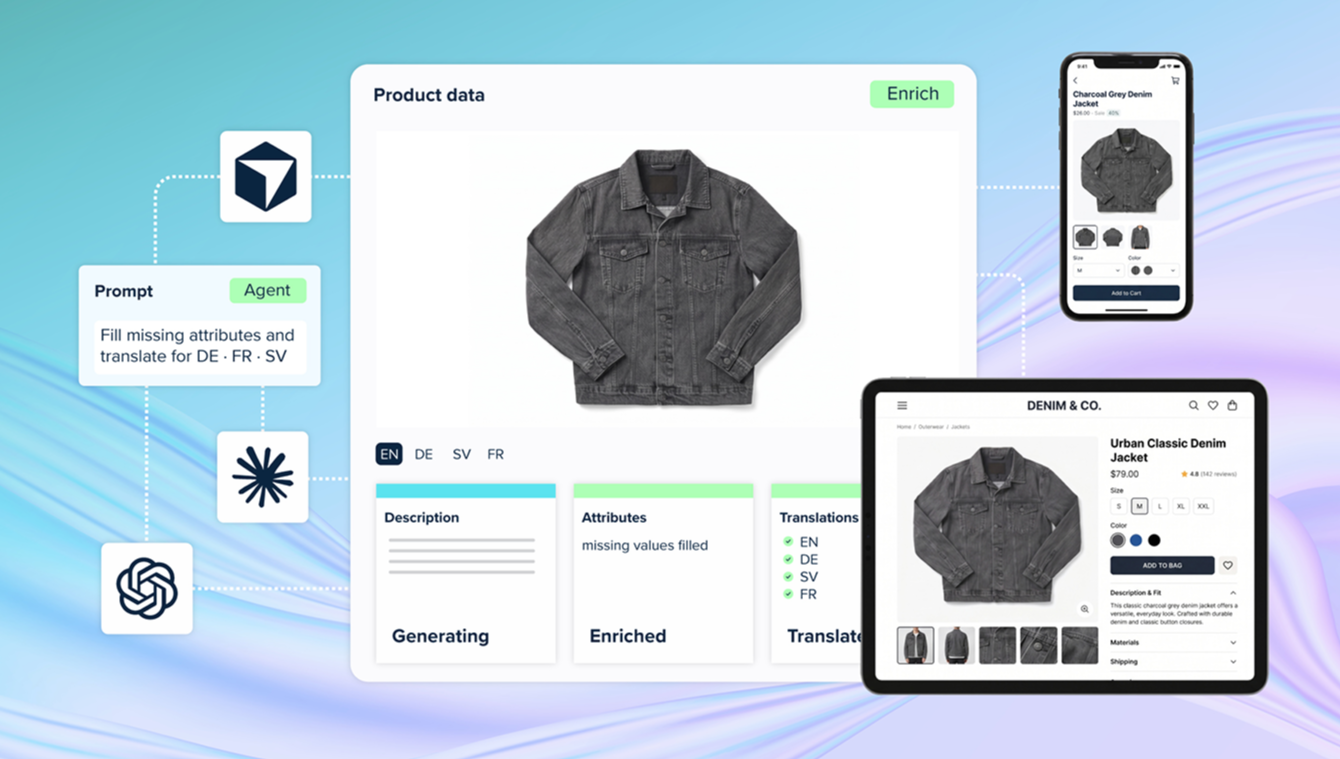
How a PIM works. It collects product data from your ERP and suppliers, checks it, adds descriptions and translations, then publishes the right version to each channel.
-
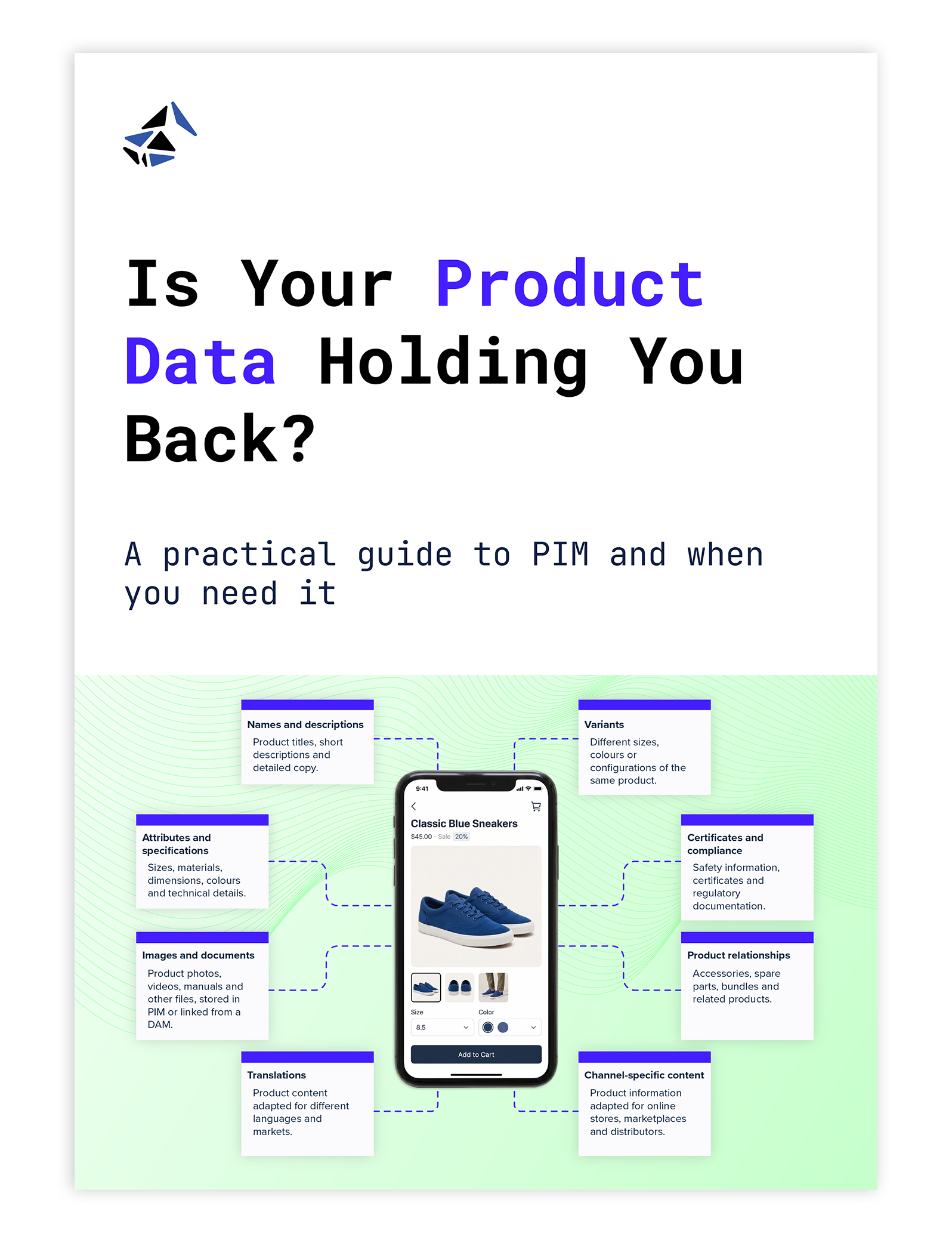
What belongs in a PIM. Eight types of product content, from variants and spare parts to certificates and channel-specific copy.
-
What changes for each team. Before-and-after views for e-commerce, product data, marketing and IT. Bluestone PIM helped Zeeman cut localisation from six weeks to one.
-
A six-sign self-assessment. Score your setup: four or more signs means it is time to explore PIM.
-
Four capabilities to check. Open APIs and headless architecture let every channel and AI agent work from the same approved product data. Bluestone PIM is built this way, with people approving what goes live.