

 Headless PIM
Back to blog
AI
How To Prevent AI Hallucinations In Product Data
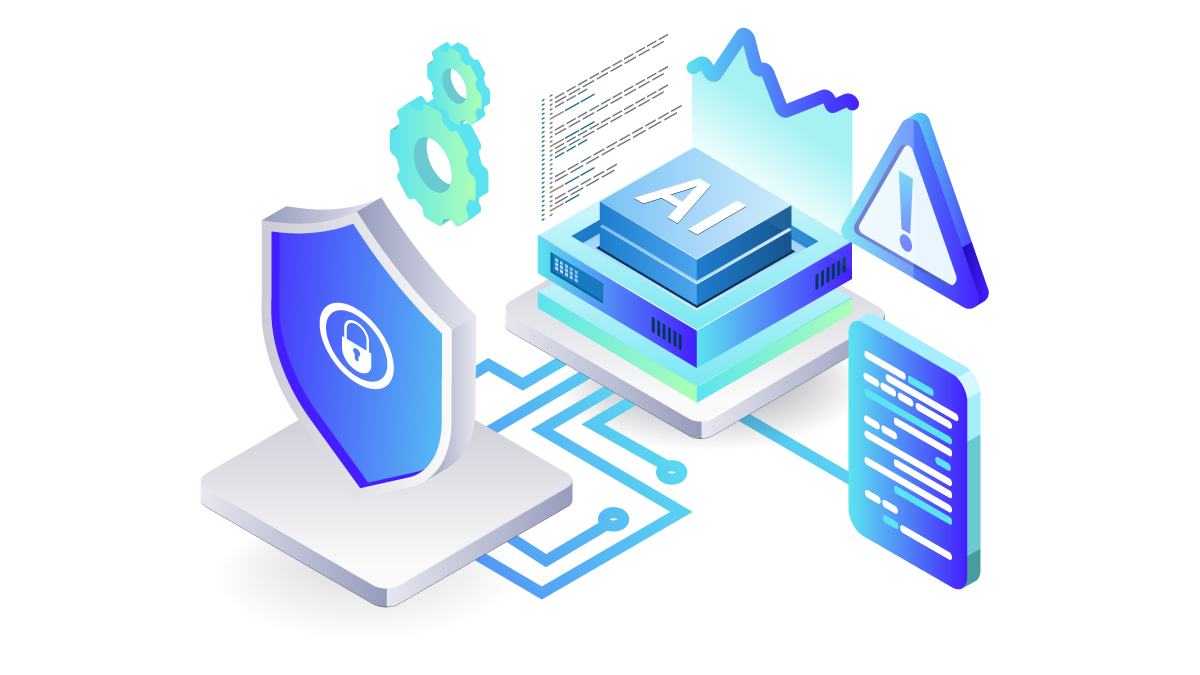
AI makes it possible to generate product descriptions for thousands of SKUs in a fraction of the time it would take to write them manually. But a model can just as easily add a feature that doesn't exist or make a claim the manufacturer has never approved.
Consider an AI agent updating 2,000 products. One incorrect assumption could affect hundreds of records and eventually reach customers through multiple sales channels.
So, the question is how to use AI at this scale while keeping product information accurate and changes under control.
What Do AI Hallucinations in Product Data Look Like?
An AI hallucination is a value the model produces that sounds right but has no source. In product data, it usually takes one of these forms:
1. An invented attribute. The supplier sent size and material. The description adds “waterproof” or “BPA-free”.
2. A wrong unit. 250 mm becomes 250 cm, or a weight gets converted twice.
3. A dropped safety detail. The model shortens a description and the allergen statement disappears.
4. A repeated source error. The supplier file had a mistake, and AI copies it confidently into every language version.
Why Are AI Hallucinations Harder to Control at Scale?
AI repeats one wrong assumption across a whole category in minutes, and finding every affected record on every channel takes far longer than making the mistake.
If an agent changes an attribute on 2,000 products incorrectly, you need to know which records it touched, what the old values were and where they’ve already been published. Answer those questions before you allow bulk updates.
How Do You Prevent AI Hallucinations in Product Data?
Many product teams describe their AI workflow as export, enrich in ChatGPT, re-import. It feels quick, but it’s the riskiest way to use AI on product data. The model only sees what someone pasted in, nothing checks its output on the way back, and nobody can trace who changed what.
It’s a security problem too. A personal chatbot account that isn’t set up correctly may use your data to train future models, and pasting product data into it probably breaks your own IT policy. Connecting the same AI tool to your PIM through MCP fixes both problems.
MCP Server
Try Bluestone PIM MCP Server
Connect your AI agent to Bluestone PIM and see how it can work with your product data.
Thank you for submitting the form.
Our view: don’t paste your catalogue into ChatGPT. Connect ChatGPT to your PIM.
| Copy-paste into ChatGPT | ChatGPT connected to your PIM through MCP |
|---|---|
| Model sees a spreadsheet extract | Model reads the full structured record and accepted values |
| Output re-imported without checks | Values checked against your rules before they’re saved |
| Data copied into personal accounts | Data stays in the PIM, accessed with the user’s own permissions |
| No record of what AI changed | Product history shows every change and who made it |
Five Ways to Reduce AI Hallucinations in Product Data
We share five practical steps to help you reduce AI errors and keep control of your product data.
1. Build a golden record before AI writes anything
AI is only as accurate as the record it reads. If units are inconsistent or certifications are missing, the model fills the gaps with guesses. Bluestone PIM scans a whole category for missing attributes, mixed units and outliers, such as one pair of trainers listed at 2,000 g when the rest weigh about 200 g, and turns the findings into a task list for your team. Fix the record first, then let AI write from it.
2. Ground the AI in that record
Tell the model to use only approved product data and to flag a missing value instead of guessing. In Bluestone PIM, the built-in AI Agent and any external agent connected through MCP read the structured product record directly, including attributes and accepted values. Neither works from a spreadsheet someone pasted into a chat.
The built-in AI Agent has a head start here. Every new chat begins with instructions on how Bluestone PIM works and how to carry out common tasks, so the agent doesn’t have to guess how to complete them.
3. Connect agents securely, with only the permissions they need
Give agents access only to what they need. Some actions carry serious risks. Deleting an attribute definition, for example, removes its values from every product that uses it.
In Bluestone PIM, users connect external agents through their own accounts. Agents work within each user's permissions, and changes can be traced back to the person responsible. Bluestone PIM introduces MCP tools gradually, with testing to reduce the risk of agents choosing the wrong action.
Start with read-only tasks before allowing updates. If your agent connects to other systems, such as Shopify or SEO tools, check where product data can be shared.
Your AI provider needs security checks too. Review its data processing agreement and where your information is handled. Bluestone PIM supports your own LLM provider and API keys. For example, companies using Microsoft Azure may be able to run a supported model under their existing Microsoft agreements.
4. Validate every value and approve risky changes
Check units, ranges and accepted values on every AI-generated value, the same way you’d check a supplier import. Check safety data, certifications and allergens against supporting documents before they’re published.
If you use Claude or ChatGPT through MCP, your IT team can set it up so the agent asks for your approval before any change is written to Bluestone PIM. This matters most for bulk updates and technical product information.
5. Keep a change history you can act on
Every change needs an author. Bluestone PIM records who changed what and when in product history, and because agents work as the signed-in user, every AI change traces back to a real person. If a bulk job goes wrong, filter the history by user and time window to find every affected record, then add the rule that would have caught it.
Test any new AI job on 20 products before you run it on 2,000.
Five Prompts to Try with Your Product Catalogue
If your AI agent is connected to PIM through MCP, these prompts can help you start with useful, low-risk tasks.
1. Find missing information
“Find products in [category] that are missing required attributes. Show the product ID and the missing fields.”
2. Check for unusual values
“Review the dimensions and weights of products in [category]. Flag values that appear inconsistent and explain why they need checking.”
3. Compare product records
“Compare the attributes of products in [category]. Identify products with missing or conflicting information.”
4. Review product descriptions
“Compare the descriptions of these products with their approved attributes. Flag claims that are not supported by the product records.”
5. Check safety information
“Find products in [category] with missing safety information or certification fields. List the records that need review.”
Start with analysis rather than changes. Ask the agent to report its findings without modifying any product records. The tasks it can complete will depend on the MCP tools available and its permissions.
These prompts can help you find issues worth investigating. Check the results against approved product information before making corrections.
Learn More About AI Data Security
AI hallucinations are only one part of managing product information safely.
Our e-book, Reckless With AI or Scared to Use It? A Safer Way to Work with Product Data, explains how to protect sensitive information, control AI access and reduce the risks of working with AI agents.
FAQ
-
No. You can’t make a language model incapable of inventing values, but you can stop invented values from reaching your live catalogue. Grounding the model in your product record cuts how often it guesses. Validation rules catch values outside accepted ranges, units or lists. Human approval on regulated fields stops the errors that matter most. Change history lets you find and correct anything that slips through. Treat AI output like a supplier import: useful, fast and never published unchecked. That approach holds up at 500,000 SKUs as well as at 500.
-
Prompt injection is when hidden instructions in a file, web page or message push an AI agent to do something you didn’t ask for. It’s a real risk in general, but its impact depends on what the agent is allowed to do. In Bluestone PIM, the agent always works as the signed-in user, so it can’t gain extra permissions: it can’t delete categories unless you could delete them yourself. You’re also already signed in inside your own organisation’s environment. That keeps the damage small, and product history shows anything that changed.
-
AI can prepare regulated product data, but a person should approve it before it’s published. Safety information, certifications, allergens and Digital Product Passport fields carry legal and safety consequences, and an invented value there is far more expensive than a clumsy description. Let AI extract values from supplier documents, compare them against your records and flag gaps or conflicts. Then route every proposed change through an approval step. If the source data doesn’t contain a certification or an allergen statement, the right AI output is an empty field and a flag, never a guess.
-
It’s safe when the agent works within clear permissions and every change is checked and recorded. With Bluestone PIM’s MCP server, Claude, ChatGPT or a custom agent connects through OAuth, and each person signs in with their own account. The agent can only see or change what that user is allowed to, and every change is recorded in product history. Start with read-only tasks such as finding missing attributes. Before you allow writes, set your AI tool to ask for approval before it saves anything.
This could also be interesting
Headless PIM
 Headless PIM
14 Oct 2026
API-First Approach for Retailers: Why It Matters for Product Data
An API-first approach lets retail teams automate any product data task, even without a developer. Here’s why it pays off, and when it isn’t worth it.
 Headless PIM
12 Oct 2026
How to Give B2B Partners Live Product Data: A Manufacturer's Guide
How to give B2B partners live product data: compare portals, APIs, datapools and syndication tools, then set up event-driven sharing in six steps.