

 AI
AI
Back to blog
Headless PIM
How to Give B2B Partners Live Product Data: A Manufacturer's Guide

One in three B2B buyers reports order errors caused by inaccurate web store data. That figure comes from Sana Commerce's 2025 B2B Buyer Report, a survey of 750 professional buyers. Many of those web stores belong to your distributors and dealers, and they run on product data you sent them months ago.
If you're a manufacturer selling through distributors, dealers, wholesalers or retailers, this guide shows you how to replace emailed spreadsheets with product data your partners can trust at any moment. You'll get a way to pick the right sharing route for each partner and six setup steps. There are also real examples from manufacturers and from a distributor.
Why Does Product Data Go Stale Once It Leaves Your Hands?
Product data goes stale the moment you share it as a copy. A spreadsheet or a PDF price list is a snapshot. So is a shared Dropbox folder. Your team updates a spec or a certificate in the master record on Tuesday. The distributor keeps selling from last season's file until someone remembers to send a new one.
In practice, that someone rarely exists. A UK sportswear brand we spoke to in 2026 built seasonal Dropbox folders for its retailers and distributors by hand, even though every image already lived in its PIM. Building the folders wasn't anyone's actual job. So it got done in a rush, and partners noticed.
The cost lands on your partners first and on you second. In the same Sana Commerce survey, 28% of buyers said inaccurate stock levels stopped them ordering, and 75% said they would switch suppliers for a smoother online experience. Your distributor's customer doesn't know, or care, whether the wrong data started with you.
Here's the thing: a faster spreadsheet won't fix this. Partners need to read from your master data directly. Every copy you send is a future error.
Which Way Should You Share Product Data With Each Partner?
The right way to share product data with a partner depends on what that partner's systems can take in. Match the route to the partner, and don't force every partner onto the same one. Four routes cover almost every B2B relationship a manufacturer has.
| Route | Best for | What the partner does | How live it is |
|---|---|---|---|
| Self-serve partner portal | Dealers, installers and small resellers with no IT team | Logs in, then searches and downloads specs and prices | Current every time they open it |
| API plus webhooks | Large distributors and retailers running their own PIM or e-commerce platform | Their system fetches changes as soon as yours signals one | Seconds to minutes after you publish |
| Industry datapool |
Sectors with a shared database, such as NOBB for Nordic building products or GS1 GDSN for consumer goods |
Imports from the datapool it already uses | As fast as the datapool's own update cycle |
| Syndication tool | Marketplaces and partners that each demand their own file format | Receives a feed mapped to its template | Scheduled or triggered, depending on the tool |
| Emailed spreadsheet | Nobody, long term |
Re-imports by hand | Out of date the day after you send it |
How Do You Set Up Live Product Data Sharing?
You set up live product data sharing in six steps. The order matters: fix the source before you open it up, or you'll broadcast bad data faster than before.
Step 1: Map How Each Partner Consumes Data
For each partner, write down the system they use: their own PIM, an ERP, a web shop platform or nothing at all. Add the formats they accept and how often they hear from you today. Then group them by route using the table above.
Step 2: Fix the Source Before You Open It
Decide which system owns each field. A connector moves data between systems, but it doesn't decide which one is right. Typically the ERP owns price and stock, while the PIM owns descriptions, specs, images, certificates and translations.
The industrial and scientific instruments producer draws the line exactly there. ERP controls pricing and operational records. Bluestone PIM controls the content prepared for customers and distributors, so nobody maintains a competing version. The Bluestone PIM guide to PIM ERP integration covers how that split works. If two systems hold different versions of the same SKU, partners will find the difference before you do.
Step 3: Decide What Each Partner Can See
Partners don't all get the same catalogue. A dealer in Norway needs Norwegian copy and local prices. A distributor might only carry one product range. Build partner-specific views once, then let every update flow through them.
Bluestone PIM helps manufacturers do this with contexts, which are channel- or market-specific views of the same product record, and the Content Store, a branded, read-only portal where each partner sees only the ranges and prices you assign. Nobody maintains a separate partner catalogue. Change the master record and every view updates with it.
Dealers often want a PDF datasheet rather than raw attributes. Bluestone PIM generates datasheets from approved content and templates, so the PDF in the portal changes when the record does.
Step 4: Publish on Change, Not on a Timetable
A nightly export leaves a gap of up to 24 hours where partners sell from old data. Event-driven publishing closes that gap. Bluestone PIM sends a webhook within seconds of a published change, and the partner's system fetches only the products that changed.
The difference is large at catalogue scale. According to Bluestone PIM's webhook set-up guide, a delta sync for a 150,000-SKU catalogue takes seconds to minutes, against three to five hours for a full re-import. For contrast, a consumer brand we spoke to this year ran its PIM-to-web-shop sync once a day, in a single batch. A fix made at 10am waited for tomorrow.
Step 5: Put a Quality Gate Before Anything Leaves
Live data only helps if it's right. Set completeness rules per partner view (for example, nothing reaches the installer portal without a declaration of performance and a dimension drawing) and route incomplete records back to their owner.
Start with rules and add AI once the rules hold. In Bluestone PIM, validation and completeness checks hold a release until required fields and market documents are present, with no AI involved. The next layer uses AI to compare descriptions and documents across the catalogue and raise review items, such as a 2,000 g weight on a 200 g part. Approval before publishing stays a setting you control.
Step 6: Measure Freshness Every Month
Track two numbers. The first is the time between a change in your PIM and that change appearing on a partner's site. The second is the share of partners still receiving spreadsheets. If the first is measured in days, or the second is above half, you know where to work next.
Worth noting: partner-specific views are a data modelling decision as much as a sharing one. The Bluestone PIM Data Modelling and Governance guide walks through contexts and publishing workflows in detail.
What Does This Look Like in Practice?
Live partner data looks like a partner that stops waiting for your spreadsheet. A playground and outdoor equipment manufacturer used to supply other systems with Excel exports because its previous product data setup was unreliable. Now a major B2B partner pulls the approved catalogue straight from the Bluestone PIM public API, and the company’s own web shop and search read from the same governed data.
On the other side of the table, distributors are building the systems to receive that data, and they reward the manufacturers who keep up. Saint-Gobain Distribution Norway, a building materials distributor with 750,000 SKUs and more than 3,550 employees, uses Bluestone PIM to take in data from hundreds of suppliers through a supplier portal, alongside its M3 ERP and the NOBB industry database.
How Do AI Agents Change the Way Partners Use Your Data?
AI agents change partner data sharing by turning partner systems from readers into askers. A distributor's purchasing agent won't download your catalogue. It will ask something narrow, such as "which of these valves is rated for 16 bar and ships from the UK this week?", and it needs a precise answer from a live source.
That's where the architecture under your PIM shows. Bluestone PIM is headless by design: its own screens, a partner's portal and an AI agent all reach product data through the same APIs, and none of them gets a privileged back door. Anything a person does in the interface, an approved integration can do through one of 1200+ task-level API endpoints. In plain terms, a partner's system can read one attribute on one product in under a tenth of a second, instead of pulling a full export and searching through it.
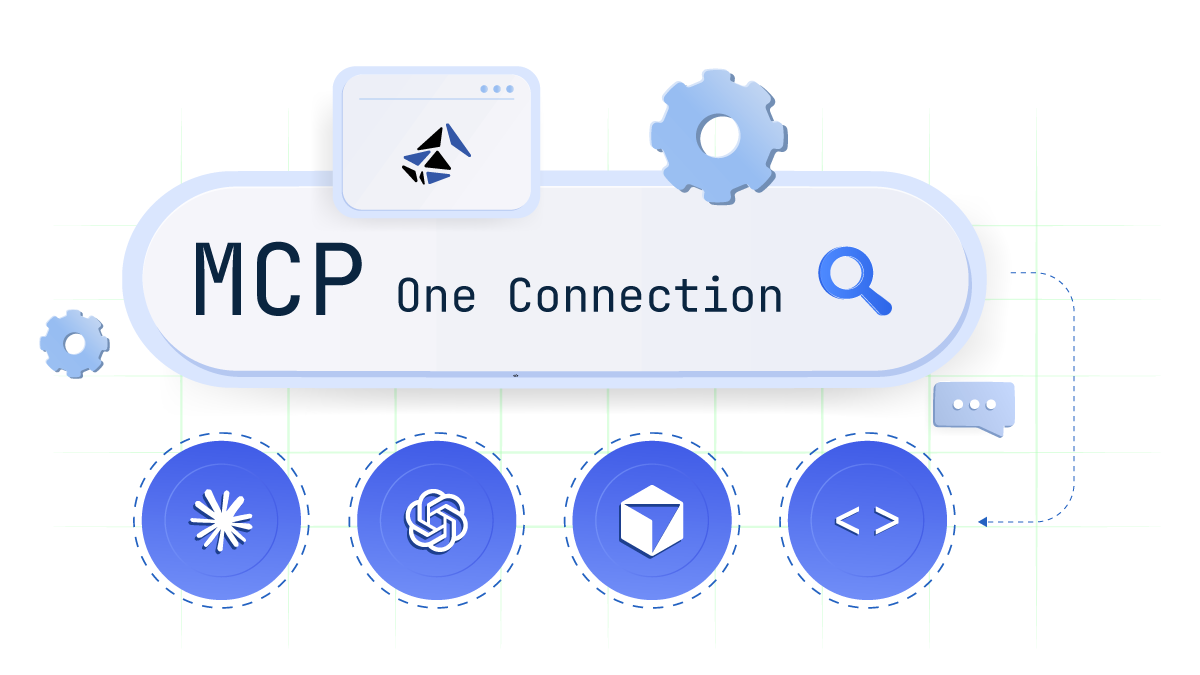
Because nothing is locked to the interface, any of those operations can be exposed as a tool on Bluestone PIM's MCP server, for an authorised AI agent to call. It's LLM-neutral, so it works whether your partners run Claude, ChatGPT, Gemini or their own model. You don't need to predict which AI your distributors will pick next year.
Stop Sending Copies
Every spreadsheet you email to a partner starts going out of date the moment it arrives. Bluestone PIM gives distributors, dealers and retailers live access to the same product record your own team uses, through partner portals and event-driven webhooks, with a quality gate before anything leaves.
Contact us
Ready to see what this looks like for your catalogue and your partner network?
Talk through your use case with the Bluestone PIM team.
Thank you for submitting the form. We will reach out to you within 24 hours.
FAQ
-
A partner portal is a website your partners log in to, where they search your catalogue and download what they need. A product feed is a file or data stream sent to a partner's system, mapped to their format. Portals suit dealers and installers who work by hand and have no integration team. Feeds and APIs suit distributors whose own PIM or e-commerce platform needs to import your data automatically. Most manufacturers run both. The important part is that both read from the same master record, so a change made once shows up everywhere without a second update.
-
Prices and stock should usually come from the ERP, because that's where orders and inventory are calculated. The PIM owns the product content: descriptions, specifications, images, certificates and translations. Partners need both, so the two systems have to publish together. One of the Bluestone PIM customers, the bicycle manufacturer, runs six regional ERPs for inventory and B2B pricing, while Bluestone PIM holds one global content model across all of them. Each partner channel combines local prices with the same governed content, and nobody re-keys either.
-
Partner product data needs to be as live as the decisions made on it. Stock and prices change daily, so partners need them within minutes. Specifications and safety documents change less often, but an out-of-date version creates real risk, from wrong orders to compliance failures. A practical target is minutes for commercial data and same-day for content. Event-driven publishing through webhooks meets both targets, because updates go out when something changes rather than on a timetable. Nightly exports only work for partners who genuinely don't sell every day.
This could also be interesting
AI
 Headless PIM
25 Sep 2026
Headless PIM for Manufacturers: Why More Companies Are Switching
Discover why manufacturers are adopting headless PIM to modernise product data, connect legacy systems and automate workflows. Explore five Bluestone PIM use cases.
 Headless PIM
7 Sep 2026
Headless PIM: How to Manage Product Data Faster Across Every Channel
Headless PIM explained: what it is, and three ways a headless product information management system helps your team update every channel and scale faster.