
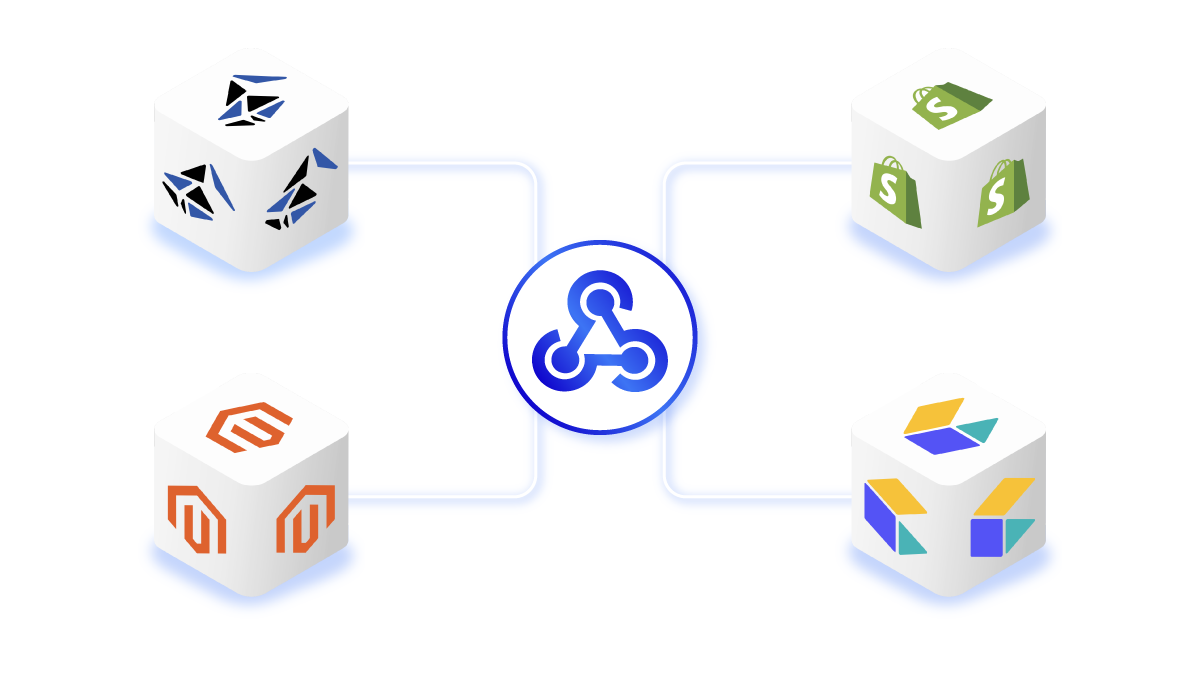
 Product Information Management
Every time a product name, price, or image changes in your PIM, your storefront needs to know. Manual exports and nightly batch jobs create a window where customers see old descriptions, wrong weights, or stale pricing.
For retailers with 100,000 or more SKUs, that window costs sales.
Webhooks close it. This guide shows you how to set one up in Bluestone PIM, which events to subscribe to, and how to retrieve only the products that changed instead of re-syncing the whole catalogue.
Who this is for: e-commerce leads, CTOs, and integration engineers running a Bluestone PIM to Shopify, Magento, commercetools, or ERP sync. You need real-time product data updates.
What Is a Webhook in a PIM?
A webhook is a way to send real-time notification sent from one system to another when a specific event happens. In a PIM (product information management system), a webhook tells your e-commerce platform, marketplace feed, or ERP that something in the product catalogue changed.
Without webhooks, you rely on scheduled exports or manual syncs. Both create lag. Webhooks eliminate it. The notification fires within seconds of the change.
Bluestone PIM supports webhooks for product creation, name changes, attribute value updates, category changes, publish actions and more. One webhook can subscribe to several event types at once. Because Bluestone PIM is API-first, with 700+ endpoints that make every function in the platform programmable, your AI agents, ERPs, and storefronts can respond to product data changes without waiting on a nightly batch.
How to Create a Webhook in Bluestone PIM?
Creating a webhook in Bluestone PIM takes under a minute through the UI. You configure three things.
- The destination URL. Where Bluestone PIM sends the event payload. Your Shopify endpoint, a middleware service, an ERP listener, or a testing tool like webhook.site.
- A secret key. The receiving system uses this to verify the event came from Bluestone PIM. Use a strong, randomly generated key in production.
- Event subscriptions. Which events trigger a notification: product creation, name change, attribute update, catalogue and category change, or sync (publish) event. One webhook can handle several.
Save. The webhook activates within seconds.
Every webhook can also be created and managed via the Bluestone PIM API, so teams running infrastructure-as-code can provision webhooks across dev, staging, and production in one deployment step.
Management API vs Sync Events
Management API events fire every time a user edits something in the PIM. Change a product name, update a weight, move a category: the webhook fires immediately. These changes are in the management layer. They are not yet public.
Sync events fire only when a user publishes changes to the public API. That is the point where edited data goes live to downstream systems.
For most downstream integrations, sync events are the right choice. You don't want Shopify updating every time someone saves a draft. You want it to update when the team deliberately publishes.
| Use case | Recommended event type |
|---|---|
| Production Shopify sync | Sync events |
| Production ERP mirror | Sync events |
| DAM or image CDN update | Sync events |
| Real-time content validation | Management API events |
Bluestone PIM lets you set up separate webhooks per event type or combine them in one. For the wider architectural split, read the guide on API-first PIM and what it means for your stack.
With the Bluestone PIM e-book How to Modernise Your Product Data with Workflows and Automation, you can see the wider architecture these webhooks plug into, including real ERP sync patterns.
Download free e-book
How to Modernise Your Product Data with Workflows and Automation
See how five manufacturers connect ERP, PLM and legacy systems to modern digital channels with a headless PIM, without replacing the systems they already rely on.
What's in a Webhook Payload?
The JSON payload depends on the event type.
Name change event. Payload includes the old value, the new value, the language context (e.g. English), and the product identifier. Your integration uses this to decide whether the change is relevant.
Attribute value update event (e.g. weight changing from 300 to 330). Payload includes the attribute type, old value, new value, and the context. If German and French contexts fall back to English, the payload lists all three affected contexts.
Sync done event. Simpler. Payload contains a sync ID. Your system uses the sync ID to call back to Bluestone PIM and retrieve the list of products that changed during that sync, with a diff type: changed, added, or archived.
One practical note. Webhook events don't guarantee delivery order. That's true of webhooks in general, not a Bluestone PIM quirk. Two changes made seconds apart might arrive at your endpoint in reverse order.
Best practice: treat the webhook as a signal, then retrieve the current state of the product from the Bluestone PIM API. That way your downstream system always has the latest data.

Download free e-book
Features Overview: Still comparing PIM platforms in 47 open tabs?
Get the full Bluestone PIM features breakdown in one document: data modelling, channel syndication, digital assets, AI automation explained in plain language.
How to Retrieve Changed Products?
The sync done event gives you one thing: a sync ID. From there, two API calls rebuild the full picture.
- First call. Pass the sync ID to the Bluestone PIM endpoint that returns all products affected by that sync. The response lists each product's ID and a diff type: changed, added, or archived.
- Second call. For each product in the list, retrieve the current state from the Bluestone PIM public API. You get the published version with all attributes, names, and relationships.
The two-step flow is efficient by design. You process only what changed, not the full catalogue.
Before and after for a retailer with 150,000 SKUs:
- Full catalogue re-import: 3-5 hours per cycle, heavy load on the receiver.
- Delta sync via sync ID: seconds to minutes, bounded to what actually changed.
Zeeman cut localisation cycles from 6 weeks to 1 week on Bluestone PIM. A delta-sync architecture is one of the reasons. For Shopify-specific integration patterns, pair this with the Bluestone PIM Shopify integration guide.
What Are Webhook Best Practices?
Webhook reliability depends on your implementation as much as the sending system. Four things to plan for.
- Event ordering is not guaranteed. Always retrieve the latest state from the Bluestone PIM API rather than relying on payload order.
- Idempotency matters. Your consumer should handle duplicate events cleanly. If Bluestone PIM retries a failed delivery, your system should not process the same change twice.
- Separate concerns. One webhook for e-commerce sync (publish events only), a second for MAPI events. Keep the logic clean.
- Monitor delivery health. The Bluestone PIM UI shows webhook status and delivery history. Check it after any deployment on the receiving end.
Next Step
If you're planning a real-time product data sync from Bluestone PIM to Shopify, Magento, or your ERP, webhooks are the lowest-friction path. They are native, composable, and part of every Bluestone PIM plan.
Not ready yet? Read the API-First PIM guide
![How To Scale SKU-Heavy Catalogues Without Duplication [Guide For Retailers]](https://www.bluestonepim.com/hubfs/How-To-Scale-SKU-Heavy-Catalogues-Without-Duplication-1.png)