![How to Write an RFP for a PIM System [Template for Enterprises]](https://www.bluestonepim.com/hubfs/The-Best-PIM-Software-for-Retailers-2.png) Product Information Management
Product Information Management
PIM vs ERP comes down to one question: which system owns which product data? ERP runs the business: production, purchasing, inventory, pricing and orders. PIM gets products ready to sell, with the descriptions, translations, images and channel-specific attributes buyers see.
If you sell through more than one channel, you almost always need both, connected, with every field owned by exactly one of them. This guide gives you a field-by-field ownership map and five real manufacturer setups that run ERP and PIM side by side.
What Is the Difference Between PIM and ERP?
The difference between PIM and ERP is what each system is built to manage. ERP (enterprise resource planning) software such as SAP, NetSuite, Microsoft Dynamics or Infor M3 runs core operations: finance, supply chain, inventory and orders. Product information management (PIM) software collects and enriches product content, then distributes it to every channel you sell through.
Both hold product data, which is why teams confuse them. The split is in what each system needs from a product. ERP needs it to be orderable and invoiceable. PIM needs it to be findable and complete for every channel.
ERP handles operational product data well, but it isn't built for long descriptions in ten languages, image sets, certificates or the attribute rules a marketplace enforces before it accepts a listing. That's the gap a PIM fills.
Download free e-book
Complete Guide to PIM
This free guide walks you through everything you need to know about modern Product Information Management (PIM) and how to use it as a foundation for growth.
What Product Data Belongs in ERP and What Belongs in PIM?
ERP owns the data that runs the business. PIM owns the data that sells the product. Here's the split most manufacturers end up with:
| Product data | Owner | Why |
|---|---|---|
| SKU and product identifiers | ERP | Created when the item is set up for production and sale |
| Inventory and availability | ERP | Changes by the minute and drives fulfilment |
| Orders and purchasing data | ERP | Transactional by nature |
| Transactional pricing and contracts | ERP | Tied to invoices and customer agreements |
| Production and logistics data (weights, pack sizes, lead times) | ERP | Needed by warehouse and shipping |
| Customer-facing descriptions | PIM | Change per channel and need review before publishing |
| Market and language versions | PIM | One product, many markets, each with its own rules |
| Images, manuals and certificates | PIM | Linked to the product, not to a transaction |
| Product relationships and variants | PIM | Accessories, spare parts, bundles and replacements |
| Completeness and channel requirements | PIM | Each channel needs different fields before a product can go live |
The boundary differs between companies. A manufacturer that sells only through distributors draws it in a different place from one running its own B2B webshop. What doesn't change is the principle: each field needs one defined owner.
Bluestone PIM helps manufacturers keep that boundary clean by taking base data from ERP through the API and adding the customer-facing layer on top. Your team decides which system owns each field and whether updates flow one way or both.
How Do You Decide Who Owns a Field Both Systems Use?
For a field both systems use, the owner is the system where the field is created and changed most often. Product name, technical specifications, categories and product status are the usual grey-zone fields. Four questions settle almost every case:
- Where is the value first created? If engineering or production creates it, it usually starts in PLM or ERP.
- Who changes it most often? A field that marketing rewrites every season belongs in PIM, even if ERP holds the first version.
- Who is accountable when it's wrong? If the e-commerce team gets the complaint, the e-commerce team's system should own the field.
- Does the value change per channel or market? If yes, it's PIM data. ERP rarely handles one value per channel well.
Sometimes a field can pass through a system without belonging to it. ERP might send a basic product name into PIM, where the content team turns it into five channel-specific titles. ERP still owns the internal name, while PIM owns the titles customers see.
One industrial measurement instrument manufacturer runs exactly this model. Base product data moves from engineering systems through ERP and into Bluestone PIM. ERP keeps control of pricing and operational records, while Bluestone PIM controls the content prepared for customers and distributors. Connected channels pull pricing from ERP and enriched content from PIM, so no team maintains a competing version of the same field.
Want to map this for your own catalogue? Download our free e-book, How to Modernise Your Product Data with Workflows and Automation. It includes the full ownership model and the architecture diagrams behind five manufacturers that connect ERP and PLM, along with older legacy systems, to their sales channels with Bluestone PIM.
Download free e-book
How to Modernise Your Product Data with Workflows and Automation
See how five manufacturers connect ERP, PLM and legacy systems to modern digital channels with a headless PIM, without replacing the systems they already rely on.
What Goes Wrong When ERP Does the PIM's Job?
When ERP does the PIM's job, every content change turns into an IT project. Teams add custom fields to hold descriptions and certificates. Then come the spreadsheets for anything the custom fields can't handle, and finally the manual exports to get the data out to channels.
A product director at a US paint manufacturer told us that changing one product category means raising a ticket with IT, because their ERP can't give someone access to a single field without giving them access to everything about the product. A CTO at a Scandinavian merchandise company described a different cost: every new EU regulation means customising the ERP again, just to store the new data. With the Digital Product Passport rolling out category by category, that cost keeps coming back.
-
Before: ERP holds descriptions in custom fields. Marketing raises tickets to change copy. Partners get Excel exports prepared by hand. A change to one field breaks an import somewhere downstream, so the team starts protecting the setup instead of improving it.
-
After: ERP keeps operational data. PIM owns content and publishes approved data to every channel through one defined path. Partners pull what they need through an API.
A playground and outdoor equipment manufacturer made that shift. Its previous product data setup was unreliable, so teams relied on Excel exports to feed other systems. Today, a major B2B partner pulls the approved catalogue directly through the Bluestone PIM public API, and the manufacturer controls what gets shared.
How Do PIM and ERP Work Together in Practice?
In practice, PIM and ERP work together through one defined data flow. Base data moves from engineering or PLM into ERP, ERP passes it to PIM, and PIM publishes channel-ready content. Storefronts and portals still pull live price and stock straight from ERP. The PIM ERP integration guide covers the one-way and two-way patterns in detail.
The flow changes shape as the stack gets more complicated. Three manufacturers show how.
Six Regional ERPs, One Product Model
A global bicycle manufacturer creates base technical specifications centrally. Six regional ERP environments then manage SKU assignment and inventory for their own markets, plus B2B pricing. Bluestone PIM provides one global content model across all six. During the migration, the legacy back office stays connected to Bluestone PIM in both directions, so the cutover moves product line by product line and region by region while channels keep receiving data.
Legacy Data That Doesn't Fit a Template
A building materials business managed product data across a legacy ERP, databases and spreadsheets. Timber, masonry and tools each needed their own attributes and hierarchy. The team built its own integration layer on Bluestone PIM's APIs, which now creates product lines and attributes in bulk, straight from ERP.
High-Volume Workloads
A decking and lumber manufacturer supplies around 20,000 SKUs and 2,500 attributes to search, commerce, PDF and 3D asset systems. An implementation partner built a custom data layer that combines content from Bluestone PIM with operational data from ERP. Downstream systems query that layer, and Bluestone PIM still owns the customer-facing content.
Worth noting: none of these companies replaced their ERP to fix product data. Choosing how to connect the two is a separate decision, and ERP connector vs tailored integration walks through when each approach fits.
Watch: how to connect an ERP system to Bluestone PIM.
How Does Bluestone PIM Connect to Your ERP?
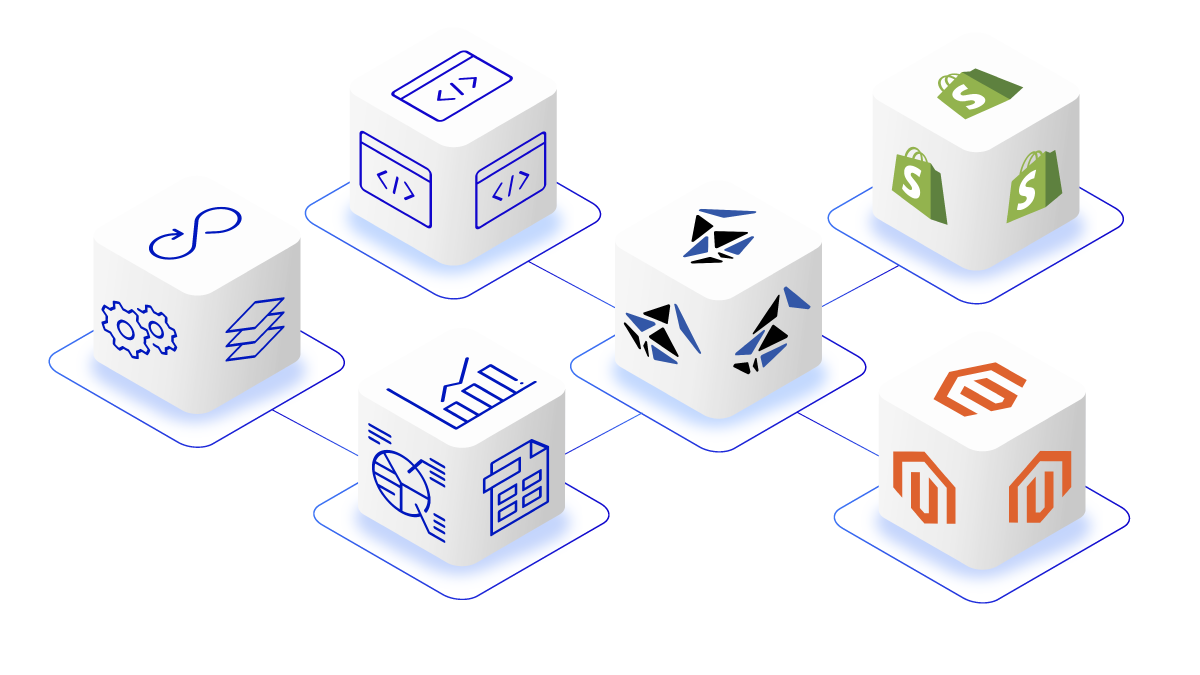
Bluestone PIM connects to ERP through task-level APIs and webhooks, following the ownership model you define. Bluestone PIM is headless by design: every action available in the interface also has an API equivalent, across 700+ task-level endpoints. In plain terms, an implementation partner can automate how products, attributes, categories and assets are created and updated, then publish them without waiting for a fixed connector to support the field.
Webhooks notify connected systems when product information changes, so storefronts and portals fetch only the affected product instead of re-reading the whole catalogue. Incoming ERP data then passes through a rules engine that decides when a product is ready to publish.
There are two ways to connect. The Bluestone PIM Extension Hub has pre-built connections for standard commerce platforms, marketplaces, CMSs, DAMs and syndication channels. For ERP and MDM systems, plus bespoke internal tools, the Bluestone PIM Connectivity Suite delivers integrations mapped to your own product model and business rules, built on reusable patterns from earlier projects.
Once ERP data lands, AI takes on much of the enrichment work. AI Enrich fills gaps in attributes and descriptions, and AI Linguist produces the language versions for each market, with people reviewing before anything publishes. The same API layer also lets AI agents work on approved product data through Bluestone PIM's MCP server, limited to the fields and actions you allow.
Start here: pick one product domain and one measurable outcome. That's usually enough to scope the first data flow. If you're still comparing platforms, the best PIM software guide sets out what to evaluate.
Ready to take control of your product data? Contact our PIM experts for a consultation or book a demo to see Bluestone PIM in action.